
What's new in Unified Dev 1.1
Unified Dev 1.1 adds an orchestrator workspace, a canvas tab for documents, and agents that can answer when GitHub refuses a merge.
Unified Dev 1.1.0 is out. It’s a native macOS app for running coding agents in git worktrees: every piece of work gets its own checkout and branch with one agent in it, and several can run at once. It runs Claude Code, Codex, Grok, Cursor and OpenCode.
The commit log counts 50 features and 88 fixes since 1.0.0, a few of them only for the app’s own preview tooling. Here are the changes you’re most likely to notice.
An orchestrator workspace
A project can now mark one workspace as its orchestrator. That’s the place for an agent that plans and hands out work while other agents do it. The app offers this when you create a project’s first workspace, and the orchestrator then sits at the top of the sidebar with the other workspaces under it.
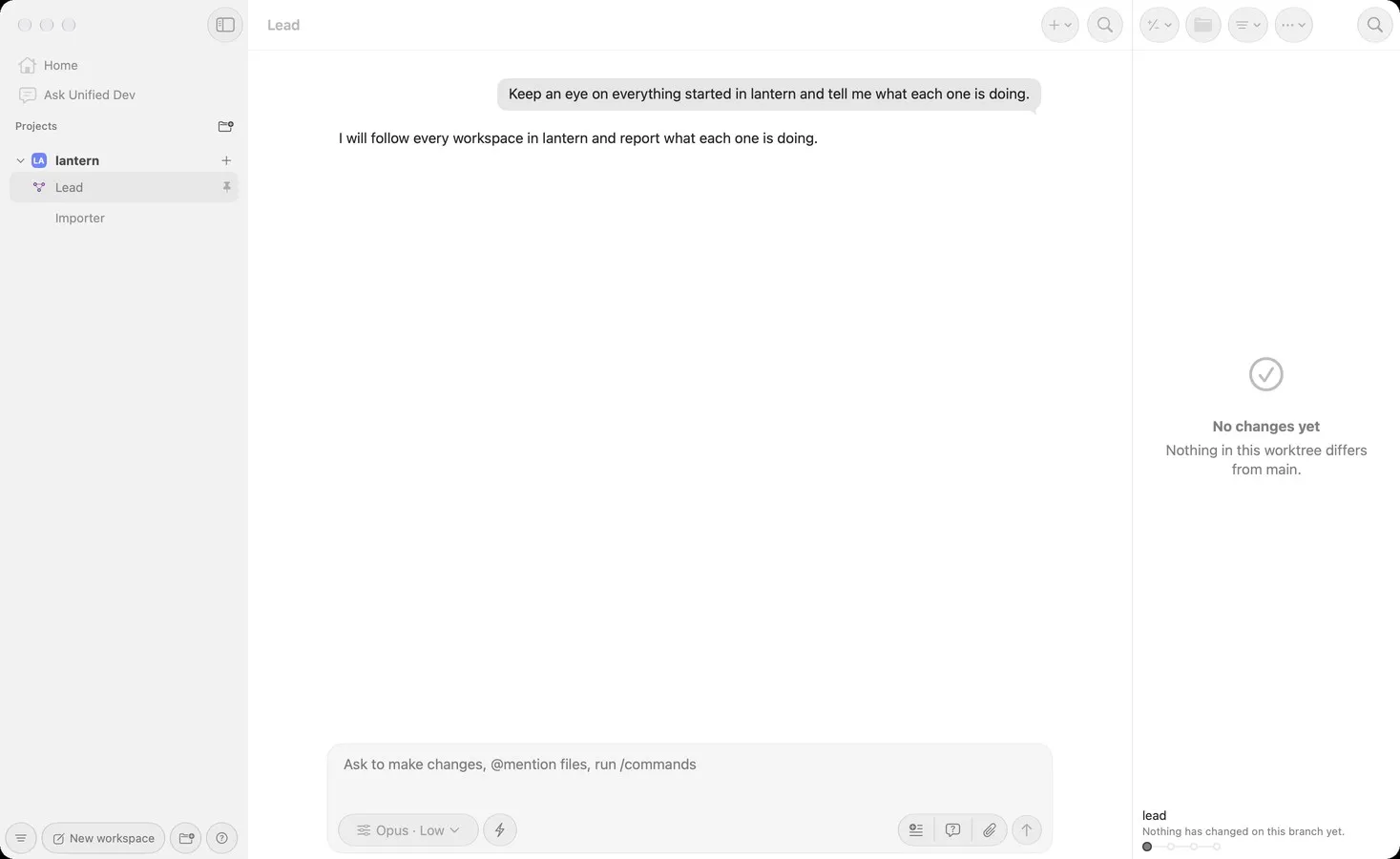
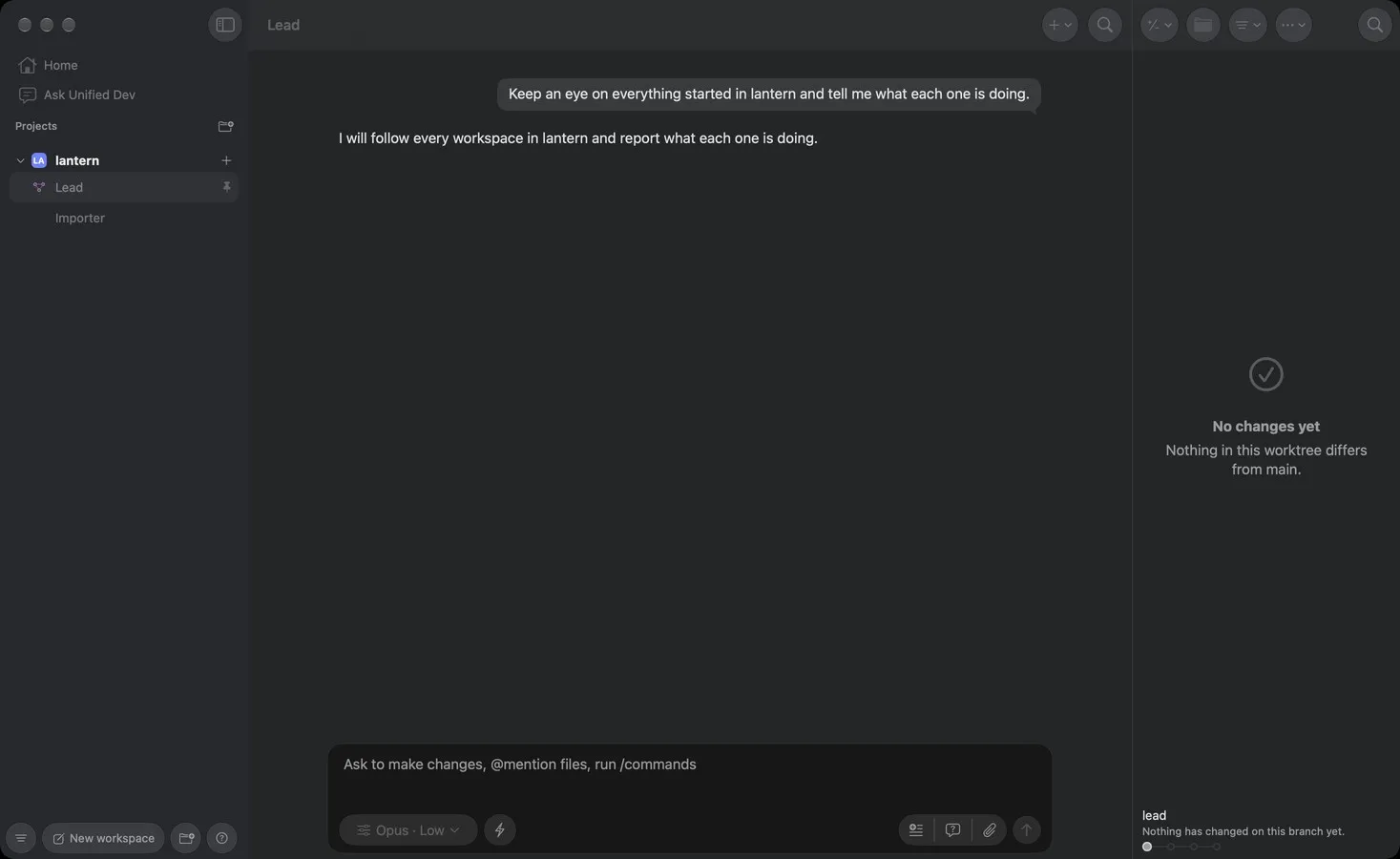
Whenever you or another agent starts a workspace in that project, the orchestrator hears about it, and if that workspace has a task, it’s told again when the new agent’s first turn ends. For the workspaces the orchestrator starts itself, it only gets that second message.
An orchestrator doesn’t edit files or commit, and Claude Code starts with those tools taken away:
// Sources/Core/Agent/OrchestratorToolGuard.swift
public static let claudeDisallowedTools: [String] =
    ["Edit", "Write", "MultiEdit", "NotebookEdit"] + OrchestratorShellJudge.gitVerbs.map { "Bash(git \($0):*)" }
Each agent gets the rule in the form it understands. Codex drops to asking for permission, which keeps it in a read-only sandbox, and Grok never gets --always-approve. In the chat, shell commands are judged before they run, so git commit or a redirect into a file is refused, and the bridge tools that drive a terminal are refused too.
A canvas tab
Some answers read better as a page than as a chat message. An agent that has written a report can now call canvas_show with its path, and the file opens in a tab beside the chat. The tab reloads when the file changes, and you can also open a file there yourself from the inspector.
It shows these file types:
// Sources/Core/Presentation/CanvasFile.swift
public static let extensions: Set<String> = [
    "html", "htm", "md", "markdown", "svg", "png", "jpg", "jpeg", "gif", "webp",
]
The file has to be inside that workspace. Repository internals and .env files are never shown, and the agent is told to copy what it wants to show into a normal file.
When GitHub refuses a merge
Say an agent tries to merge a pull request and GitHub says no. The agent now reads the pull request’s state instead of the wording of the refusal, because the wording is the same for a failed check, a pending one and a missing review. If the branch conflicts with its base, is behind it, or has a failed check, the agent fixes that, pushes, waits for the checks and tries again.
These limits come straight from the instructions the agent receives:
// Sources/Core/GitHub/MergeInstructions.swift
- **Three rounds at most.** A round is one fix, one push and one merge attempt. If the third
  is refused too, stop and say what GitHub said each time.
- **Thirty minutes of waiting at most**, counting every wait above together: for `UNKNOWN`,
  for a check still running, and after each push. Past it, stop and say what never finished.
A fix can’t loosen a test, a lint rule or a workflow to turn a check green, and a bare --force is off the table. Other refusals, like a required review, make the agent stop and report what GitHub said. The same goes for a pull request from a fork, or a branch someone else moved in the meantime.
These are instructions to an agent, though, so they guide it rather than enforce anything the way the orchestrator’s tool restrictions do.
Archive on merge
A workspace is now archived once its pull request is merged, as long as the app saw that pull request open. It goes through the usual safety check and doesn’t ask for confirmation. This is on by default, and you can turn it off for the app or for a single project.
If the agent is mid-turn, archiving waits for the turn to end, and a running command delays it as well. If you stop that turn by hand, or the check finds work that isn’t in git, the workspace stays and you get a notice.
Smaller changes
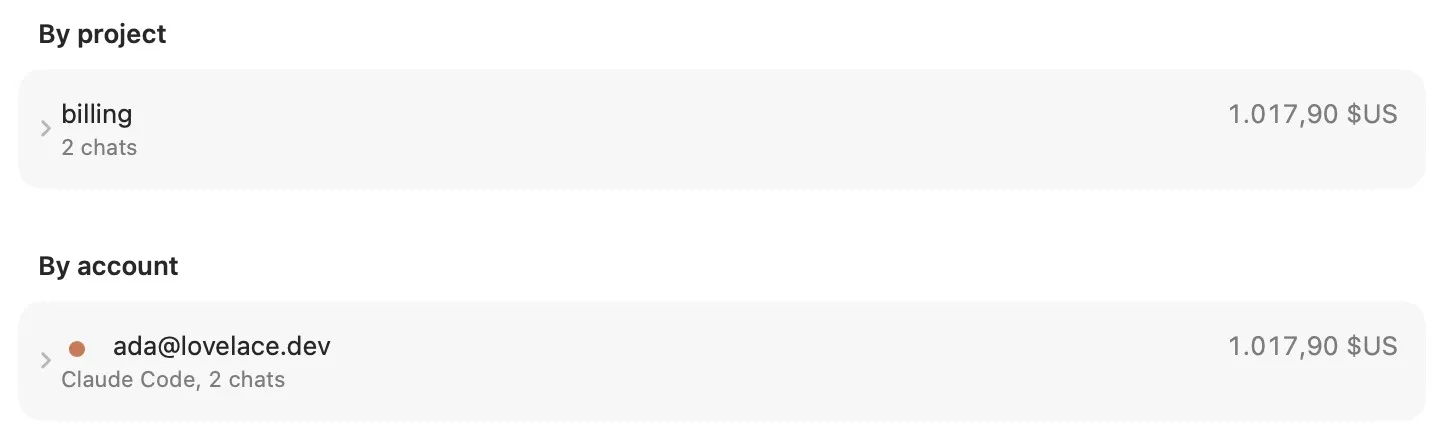
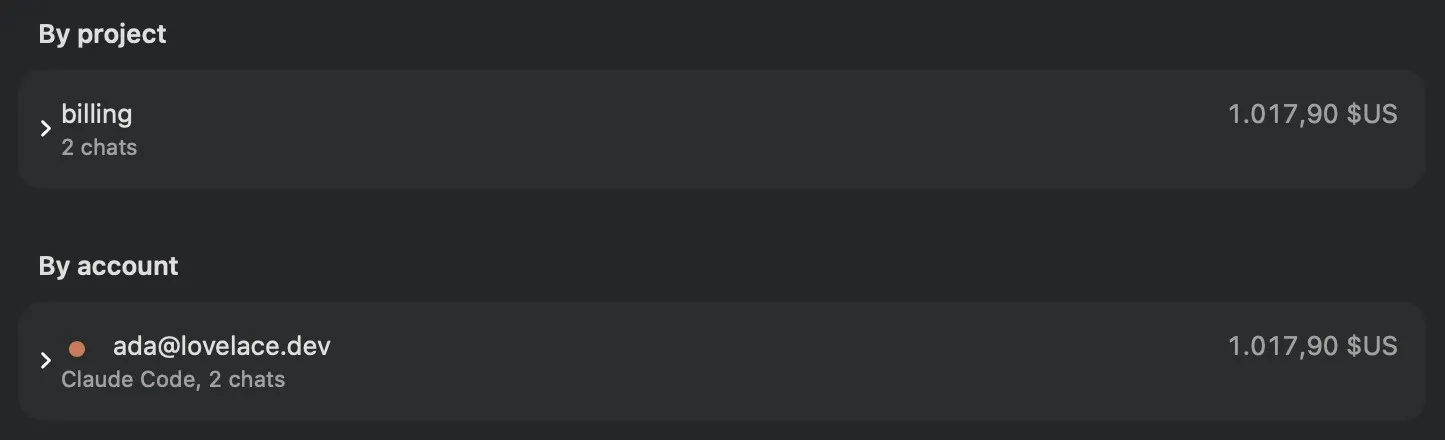
The spend screen now groups spending by account, alongside provider and project. If you have more than one login for an agent on your Mac, each gets its own line, and one that’s no longer on the machine shows as historical spend.
You can select text in a reply to quote it or start a side chat from it. Shell code blocks in a reply have a run button: the block runs in the workspace, and its status and the last 16,000 characters of its output go back to the conversation so the agent can check the result.
Merges now use a merge commit unless you choose another method, for the whole app or for each project.
Getting 1.1
Most of 1.1 is about having several agents running and finishing their work with less of your attention on each step. It needs macOS 26 on Apple silicon, and you can get it from the releases page. The bridge documentation lists what each kind of agent may call.