
What's new in Unified Dev 1.2
Unified Dev 1.2 gives every project its own agent account, groups projects into profiles, and lets a chat change account without losing its history.
Unified Dev 1.2.0 is out. It’s a native macOS app for running coding agents in git worktrees: every piece of work gets its own checkout and branch with one agent in it, and several can run at once. It runs Claude Code, Codex, Grok, Cursor and OpenCode.
Up to now the app assumed one Mac, one login per agent CLI, and one list of projects. Those assumptions hold for about a week. Once four or five agents are working at the same time, the subscription behind them runs out in the middle of an afternoon and there’s nothing to say that this project bills to one login and that one to another. Worse, projects from different organisations share the same sidebar, the same worktree folder and the same account. Most of 1.2 is about taking that apart.
An account per project
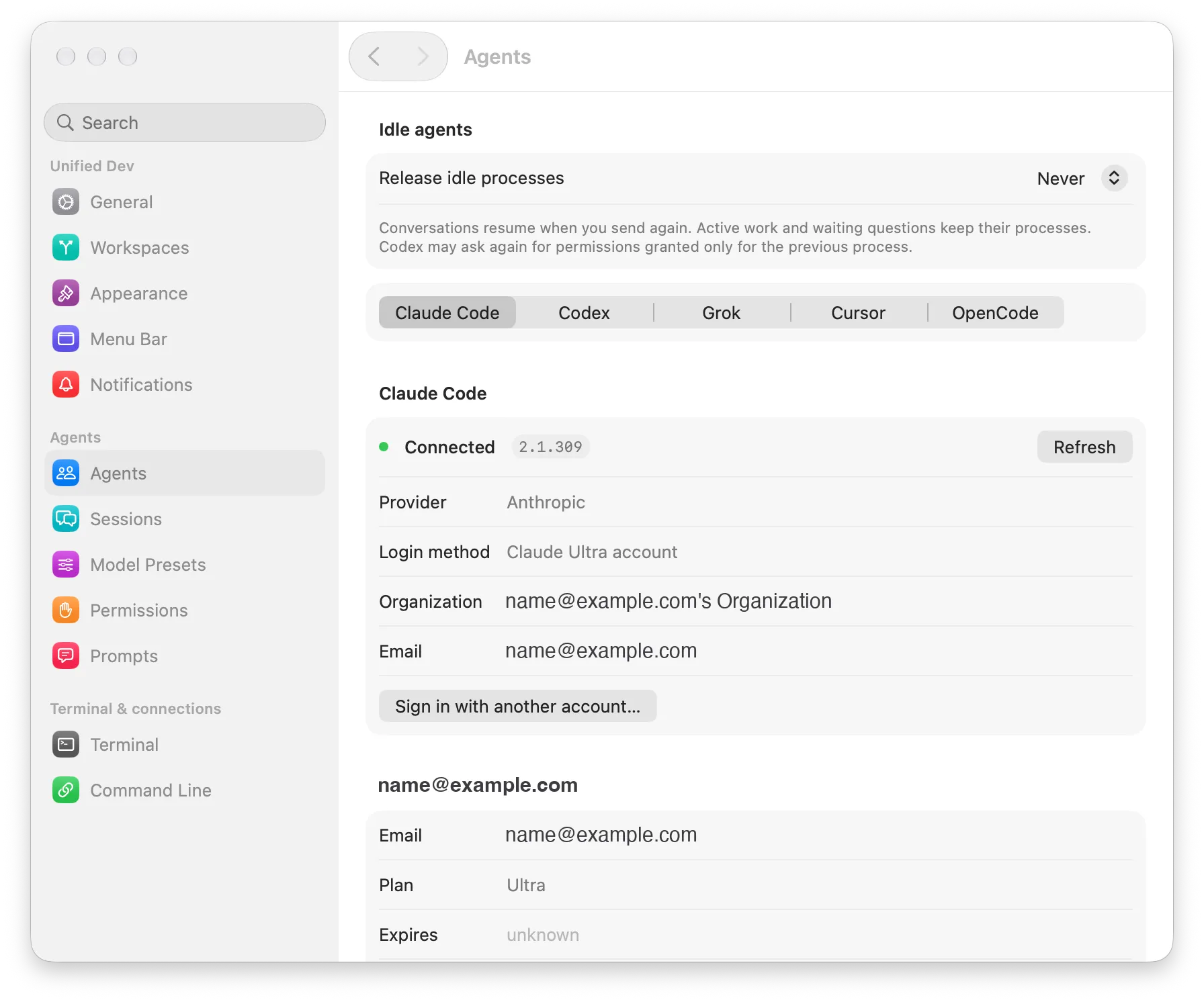
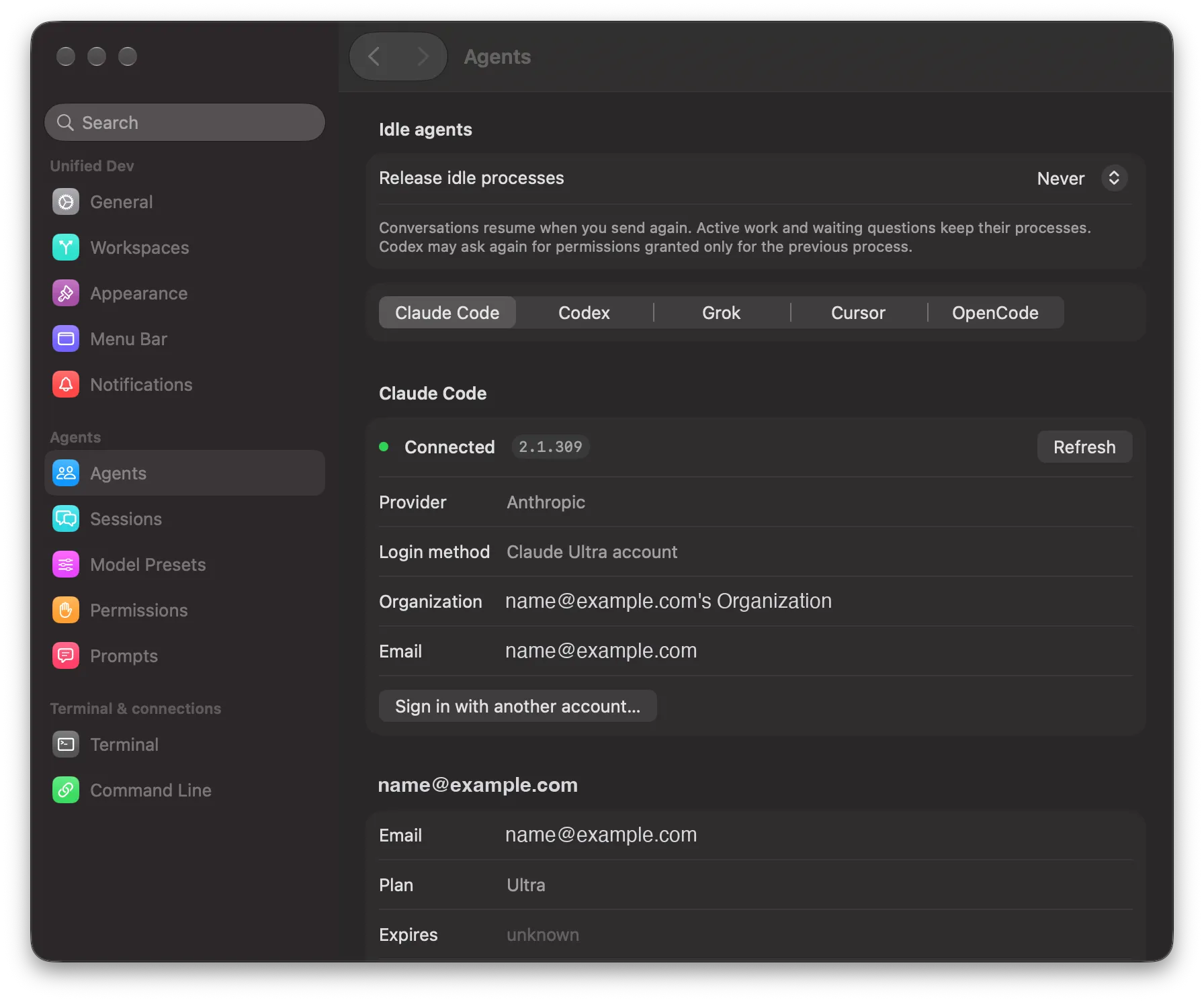
The app now knows about the agent logins that live on your Mac, not just the one in ~/.claude or ~/.codex. You add one in Settings under Agents by signing in to a directory the app makes for it, so the second account doesn’t overwrite the first, and each account carries the identity read from its own directory rather than a label you typed.
A project then chooses which of them it runs. Project settings get a pane of their own, Agents, and the wording there says what it means: every workspace and every chat in that project runs under the chosen account. When the agent starts, it’s launched pointed at that account, and the credentials it would otherwise have inherited from your shell are stripped out, so nothing left in your environment overrides it.
The choice also moved somewhere you can see it. The account’s email used to sit in the composer footer. It’s now a section inside the model selector, next to the model, which is where you were already looking before sending. It only appears when that agent has more than one account on this Mac or when there’s something to warn you about, and the warning shows as a triangle in the selector with its text in the tooltip.
When the allowance runs out
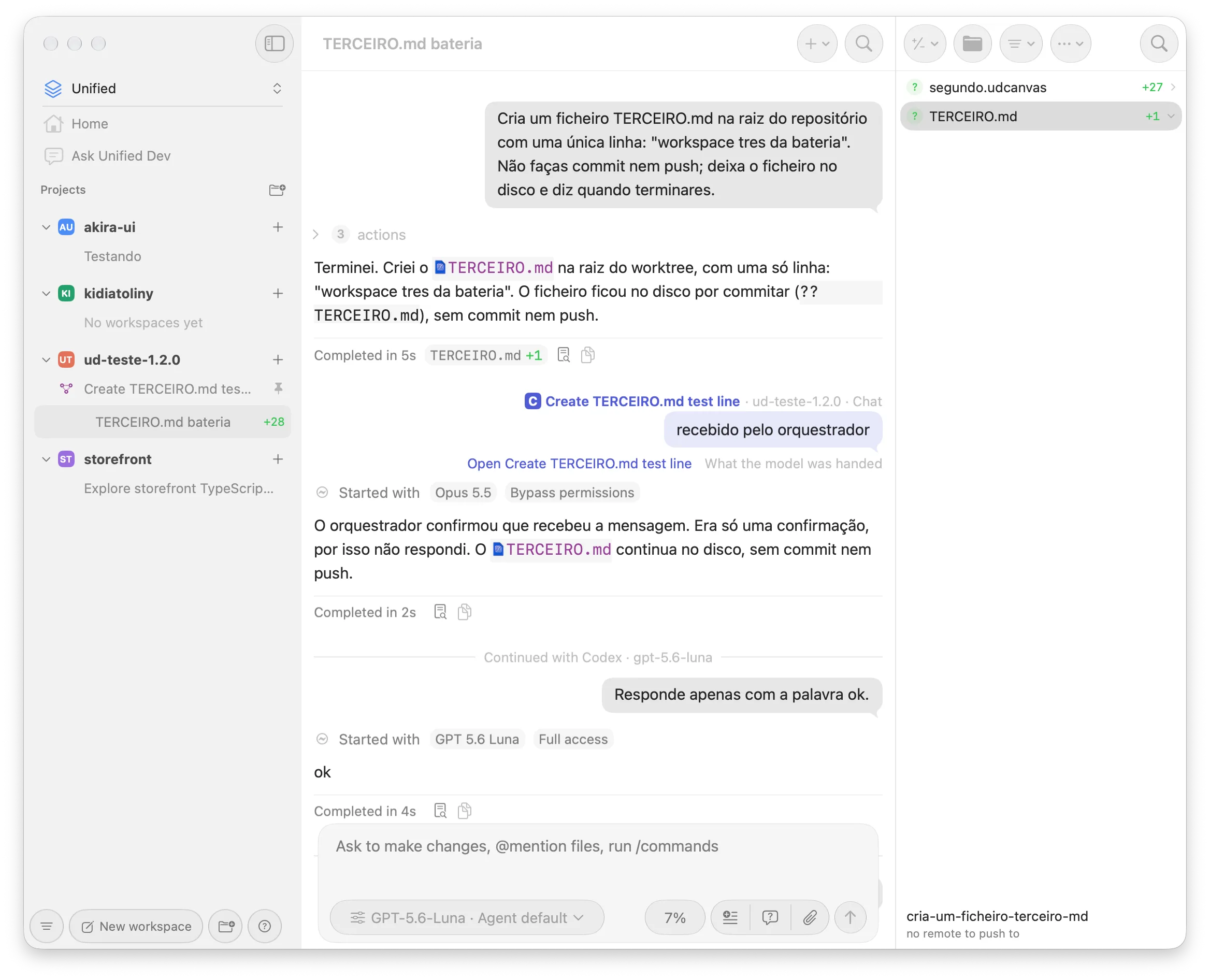
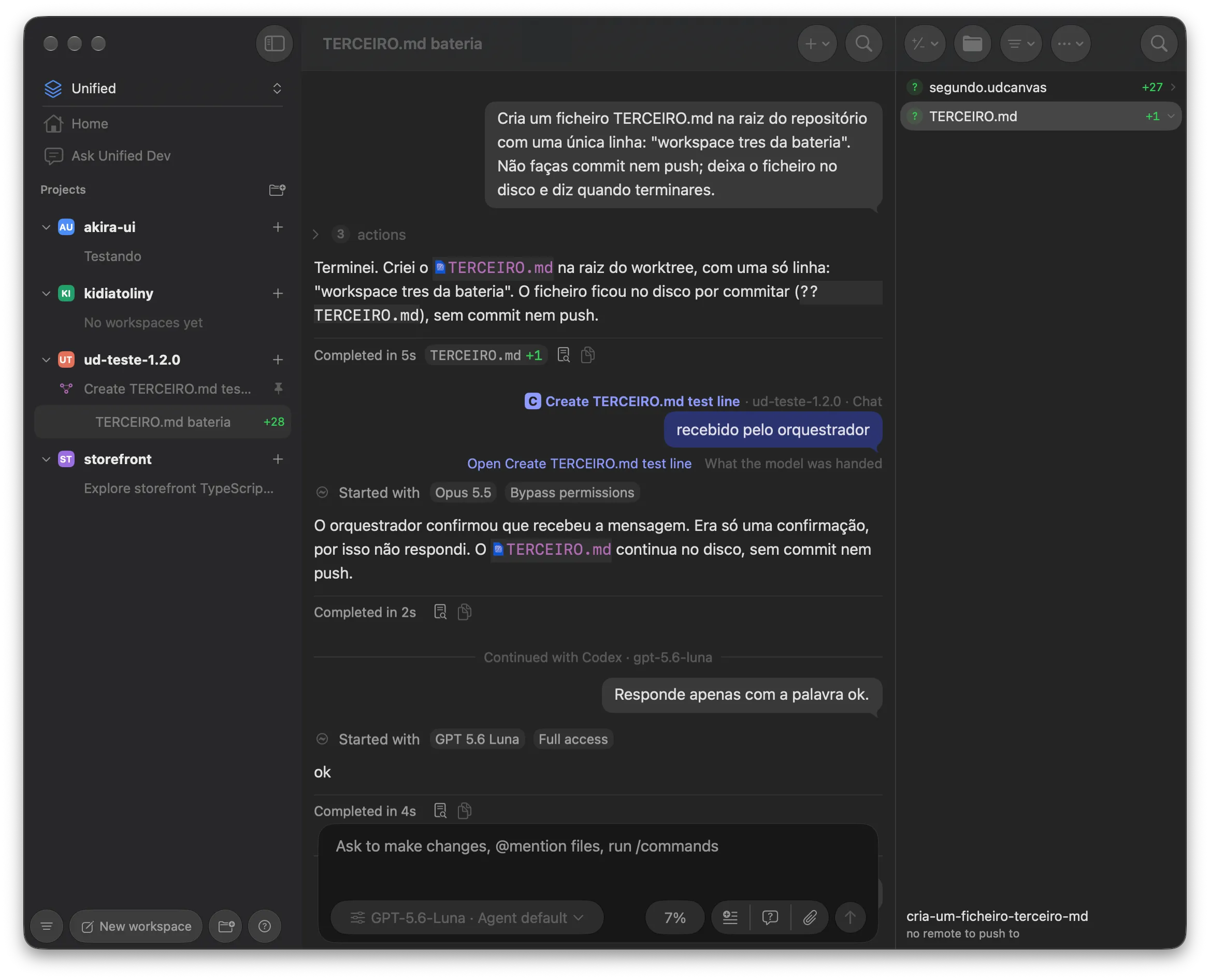
A chat is now one thread with several native sessions behind it, one per agent and account. That’s what makes the next part possible: when Claude cuts a turn because the allowance is gone, the app offers another account, and taking the offer keeps the chat, its history and whatever you’d already typed. The button says “Continue on” and the name of the account.
The agent coming in is told what it missed, in text it treats as data rather than instructions. A running turn stops, queued messages stay queued, and you see a divider and nothing else. A Claude turn that was cut by the limit resumes on its own once the switch is done, once per cut and never after you press Stop, and the agent is told to check the repository before repeating work that may already be there. Going back to the first account resumes that session and sends it only what happened while it was away.
The same path moves a chat from Claude to Codex and back without starting over.
One profile at a time
A profile is a named group of projects, and the window shows one at a time: its projects, their workspaces, Home and the archive. You switch between them with Control Command and a digit, and switching never stops an agent, so work carries on in a profile you’re not looking at. A project moves between profiles with its workspaces and chats.
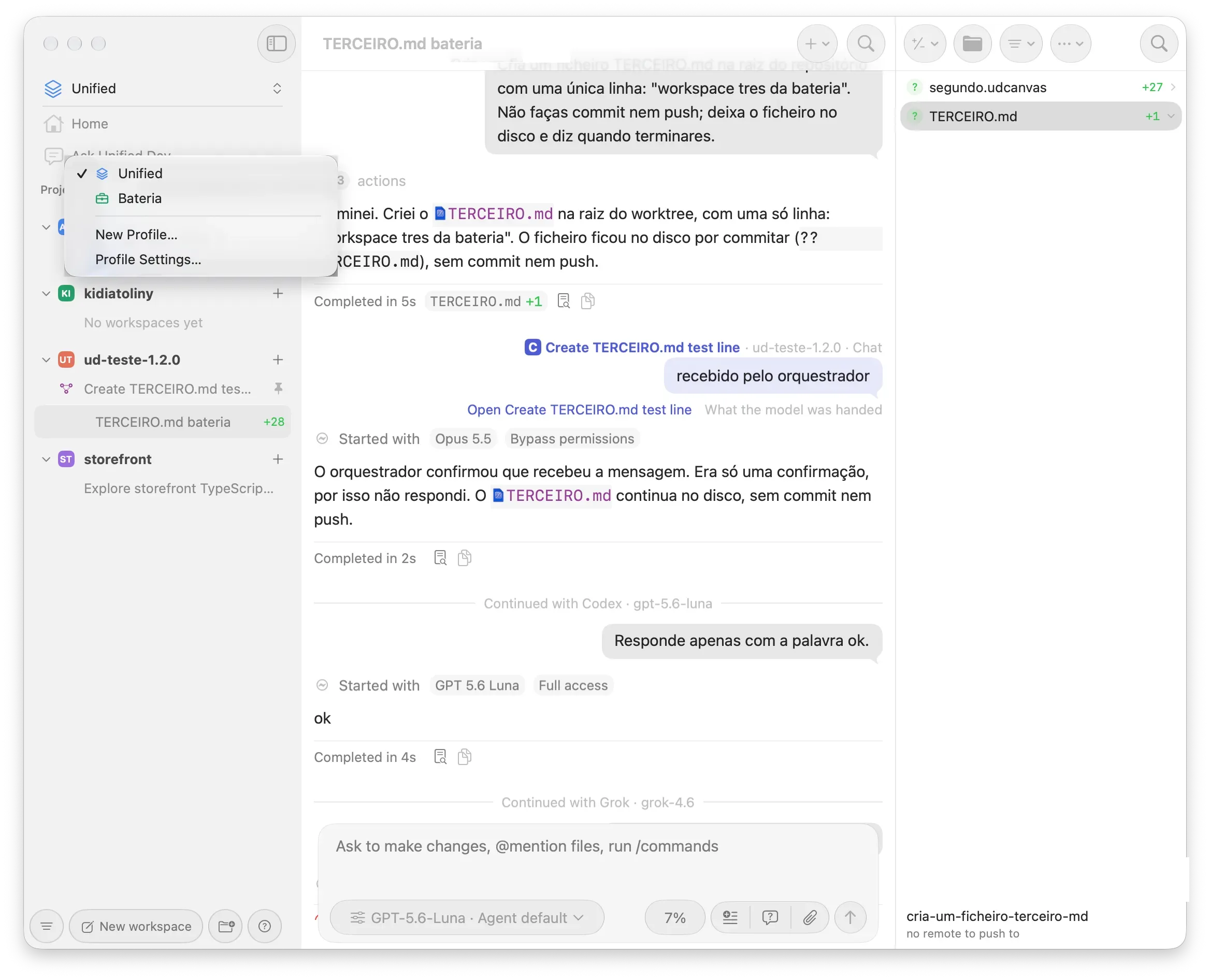
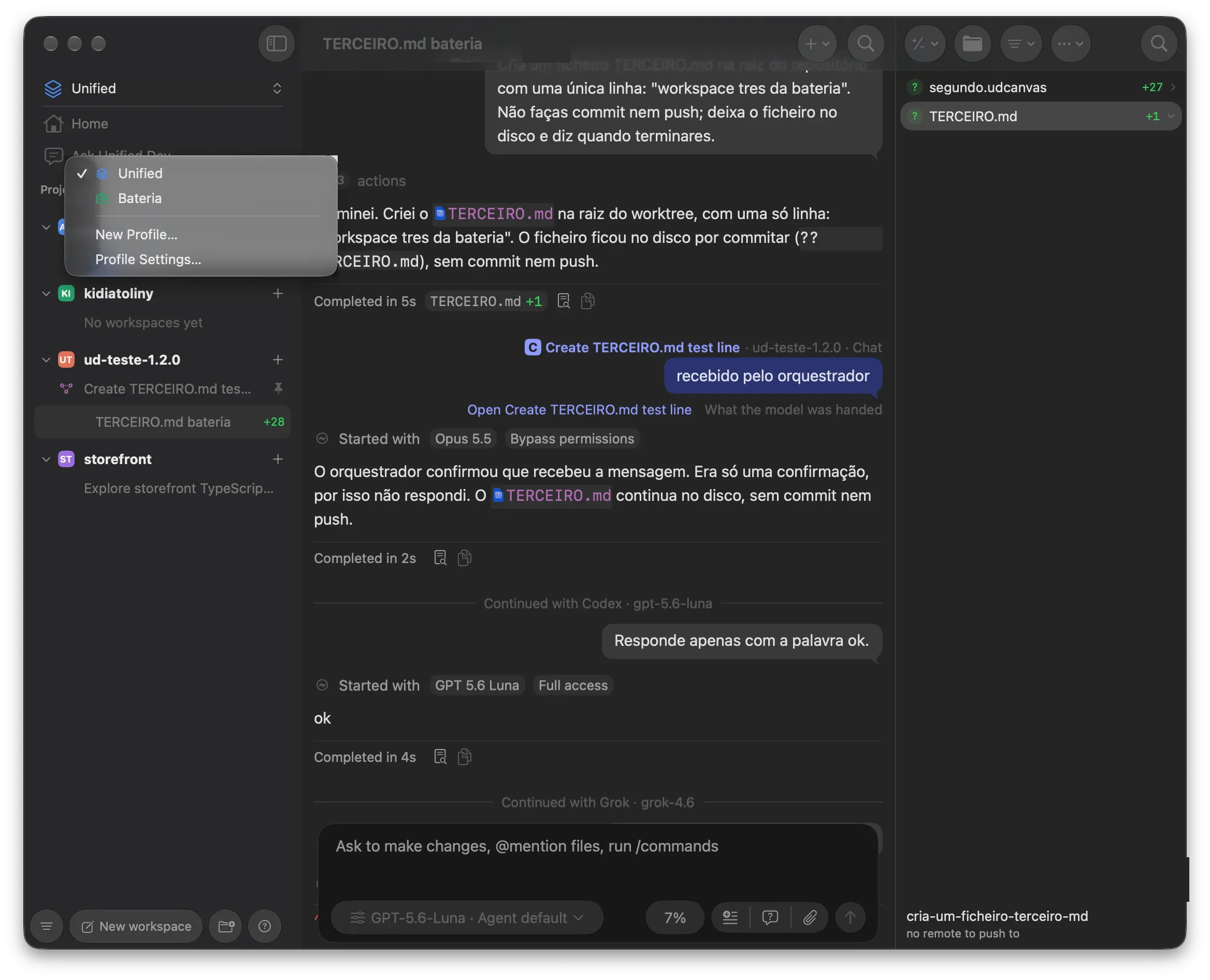
Each profile gets a folder of its own under the workspaces root, so worktrees from two organisations stop landing next to each other. That folder name never changes afterwards, so renaming a profile doesn’t move anything on disk.
Accounts follow the same line. A profile either has accounts of its own or uses the ones belonging to Unified, the first profile, never both. Which account an agent runs under is decided in order: the project’s choice among its profile’s accounts, then the profile’s default, then this Mac’s own login. A profile with accounts of its own doesn’t take that third step, so the work of one organisation can’t run, or be billed, under the login of another. If neither the project nor the profile names an account that’s still there, the turn doesn’t start and the chat says why instead of running under something you didn’t pick.
One thing to be aware of: Grok has no default account to fall back to yet, so in every profile it runs under this Mac’s own login, and Settings says so rather than promising a refusal that wouldn’t happen.
The migration is additive, every existing project lands in Unified, and an older build refuses the migrated database rather than misreading it.
The canvas became an editor
The canvas tab arrived in 1.1 as a place to show a document an agent had written. It’s now something you can work in: a floating toolbar with text, notes, shapes, a pen, frames and images, a style panel and PNG export. Files save themselves, two saves don’t collide, and a copy is kept before anything outside the app overwrites your work.
Comments are what I’d try first. You place one on the canvas and it reaches the agent when it’s idle, waits in a queue when it isn’t, and holds after a Stop or a rewind until you speak again. So you can mark up a diagram and let the agent pick the notes up on its next turn.
Smaller changes
Links open in the app’s own browser by default instead of leaving for Safari, and its toolbar actions have keyboard shortcuts. Workspaces get a settings tab of their own, and the archive can delete archived workspaces past a limit you choose. A transcript returns to the last line you saw in that workspace rather than to the bottom. Grok’s usage quota and plan now show in the usage panel next to the others.
One fix worth naming: the reasoning effort the app shows for a chat is the effort the agent is launched with, which it wasn’t in 1.1.3.
Getting 1.2
It needs macOS 26 on Apple silicon, and the signed build is on the releases page. If you work for more than one organisation, read the profiles documentation first, because it spells out which account an agent ends up running under.