
What NosFerry Support 1.0 changes for passengers
NosFerry Support 1.0 adds general support, French and Spanish, and closes a request after five business days without a reply from the passenger.
NosFerry Support reached 1.0 today. It’s the site where NosFerry passengers ask for a refund, a change to their personal data, or help with anything else about their trip. The general support form is what made me call it 1.0: with it, the site covers the three requests it was built for.
This post is about the part passengers see. The back office the team works in also changed a lot in this release, but I’ll leave that for another post.
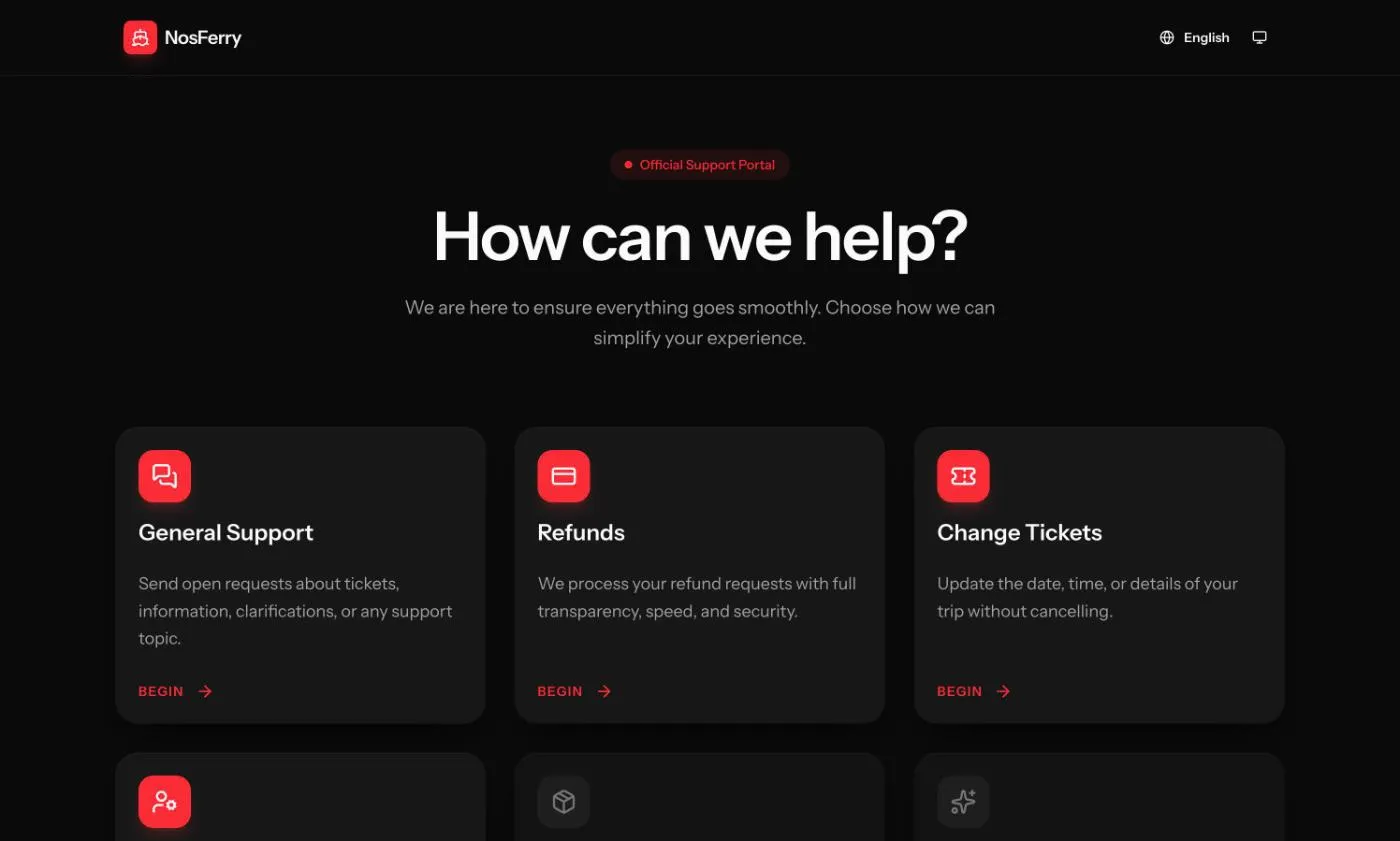
Three requests, four languages
The home page leads to the three forms. Opening the site without a language in the address sends you to the language your browser asks for, and to Portuguese when it asks for something the site doesn’t have. Until this release that meant Portuguese or English. French and Spanish are new in 1.0.
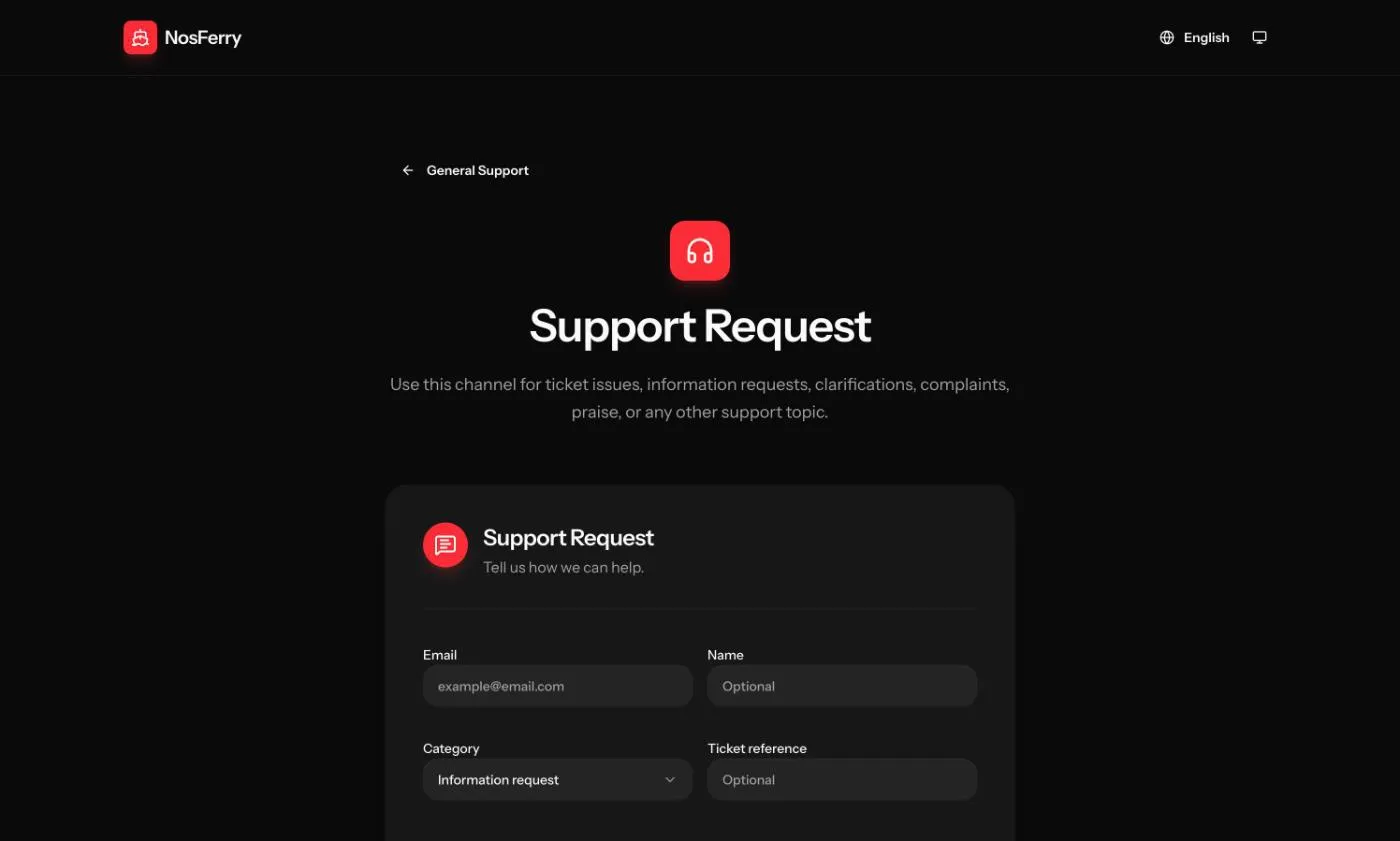
The general support form is the new one. It takes an email, an optional name and ticket reference, a category (ticket problem, information request, clarification, complaint, compliment or other), a subject and a message, plus up to five attachments.
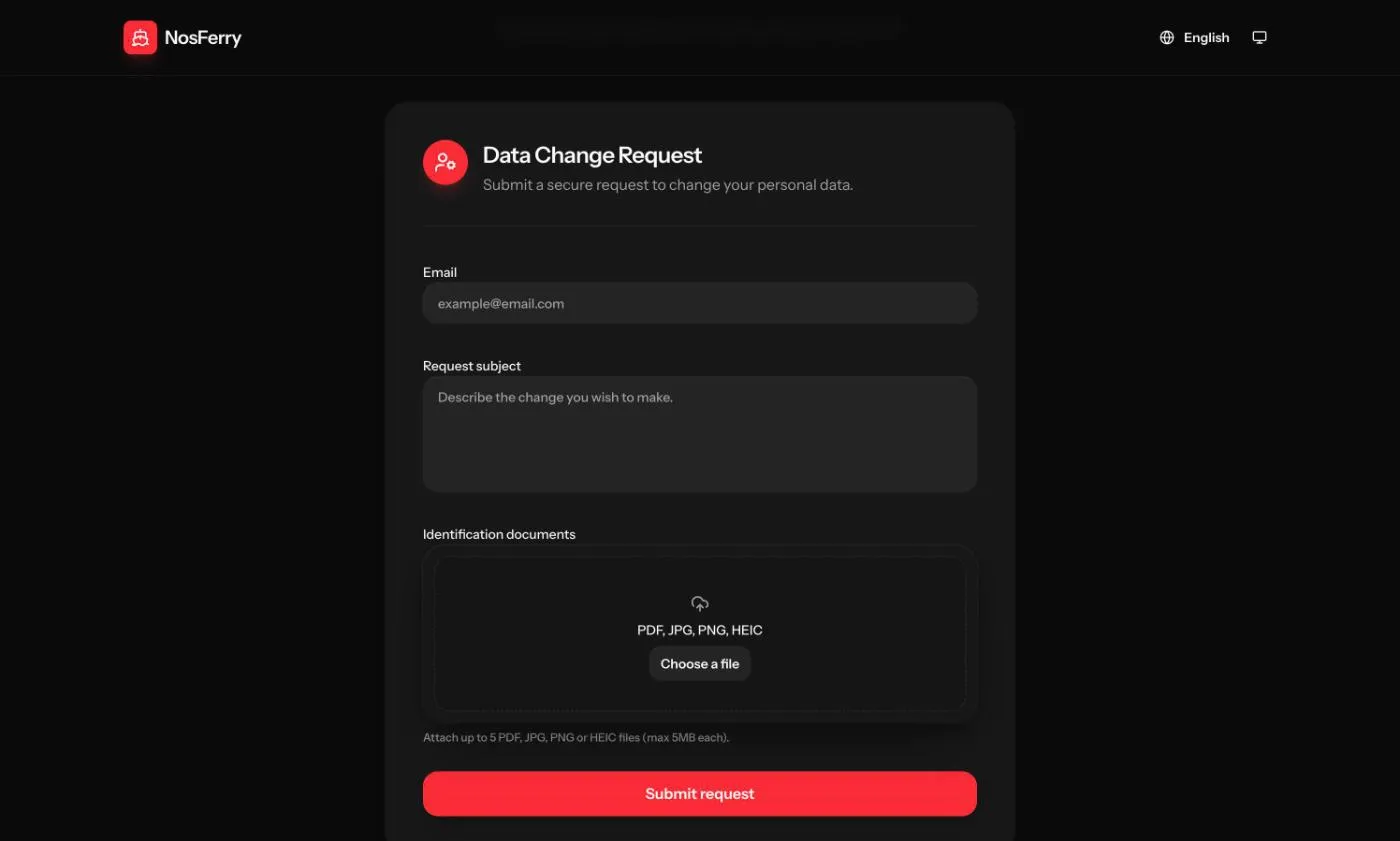
The data change form asks for less: an email, what you want changed, and the identification documents that back the request.
The Portuguese copy also got a full review, and the forms, the emails and the error messages are written in European Portuguese throughout.
Errors that name the field
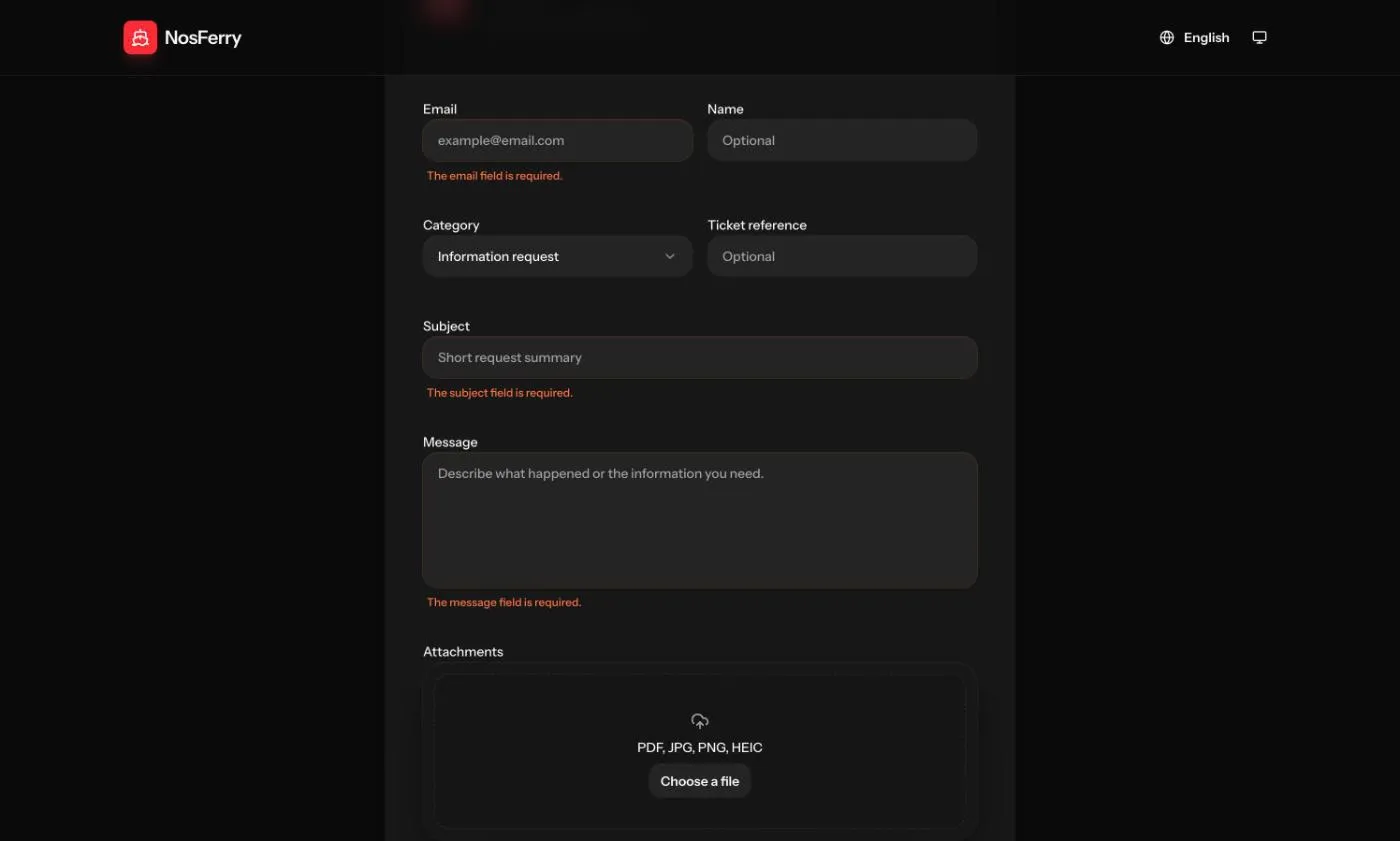
Before this release, not every error on the public forms was translated. Now each validation error comes in all four languages and names the field it’s about, so a passenger who sends the support form empty sees which fields are missing, in their own language.
The refund form does the same in its own steps:
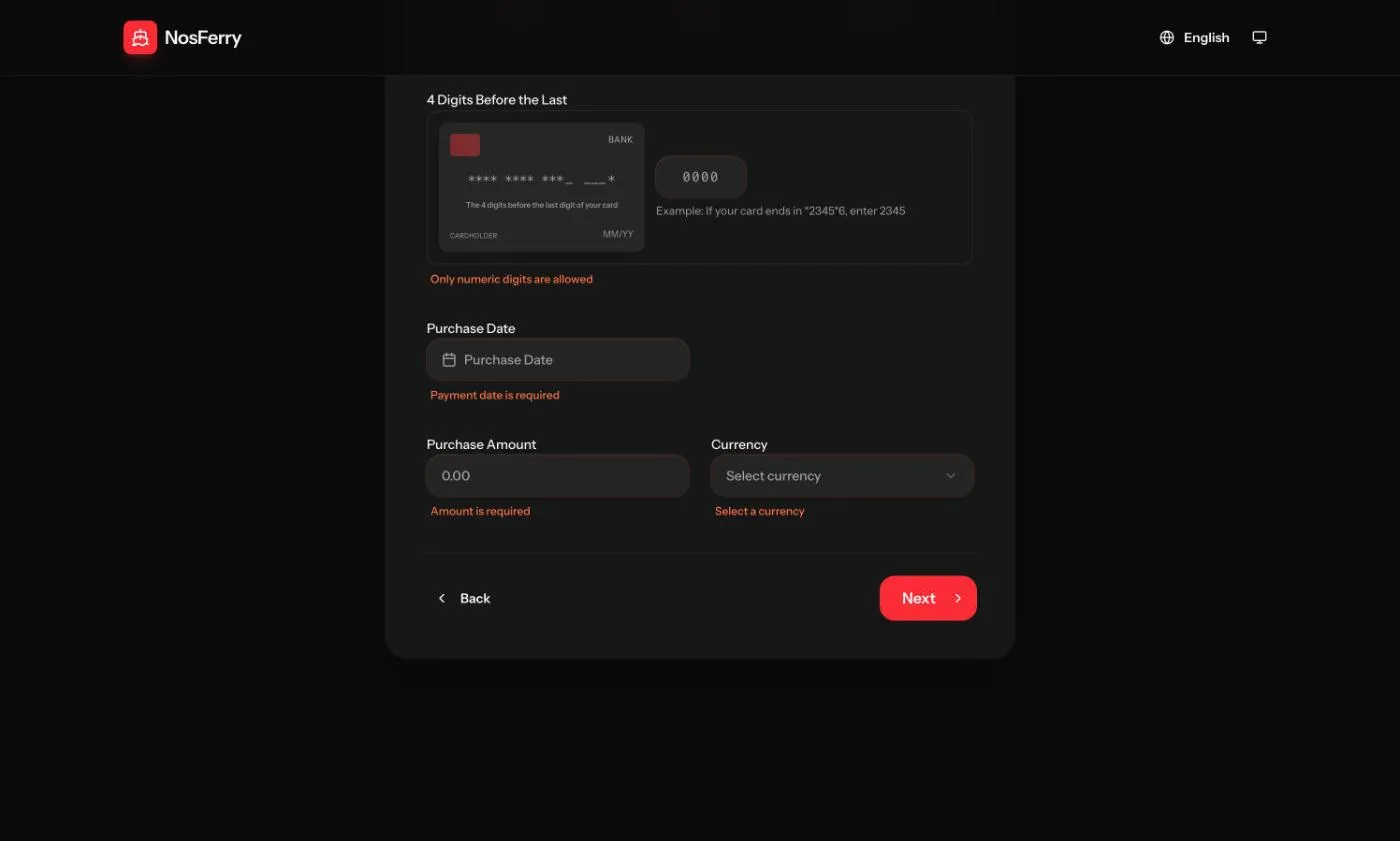
Error pages went the same way: a missing page or an expired session now shows a translated page with the same layout as the rest of the site.
A shorter refund form
The refund form starts by asking whether you have the invoice NosFerry issued when you bought the ticket, and it says plainly that the bank’s receipt is not that invoice. With the invoice, you upload it and describe the reason. Without it, the form walks you through contact, payment and proof in three steps.
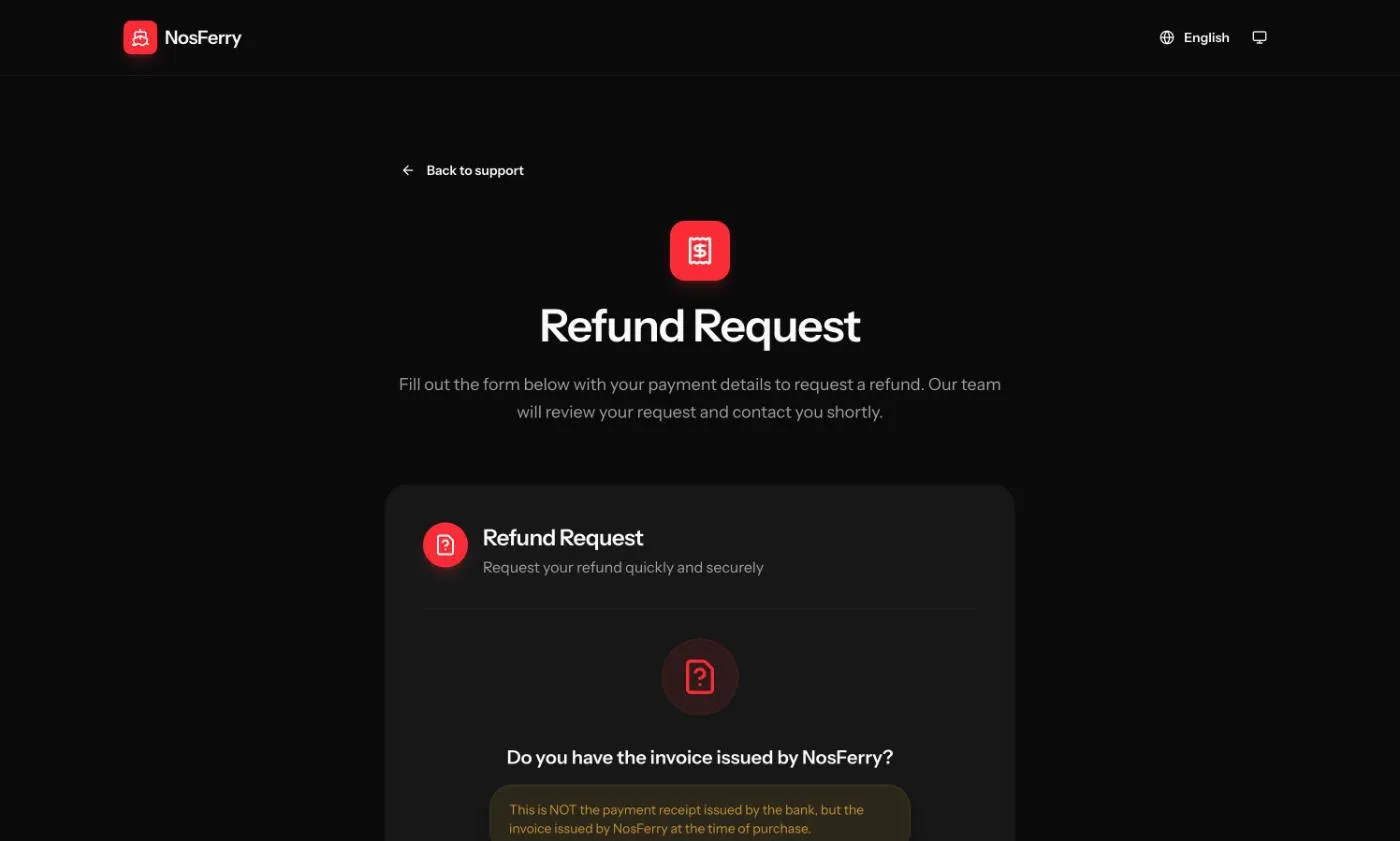
Below the form there used to be three cards (contact, payment, confirmation) that repeated the “how it works” section right under them. They’re gone, so the page ends sooner.
Following up from a link
After sending a request, the passenger gets an email with a link to a follow-up page. That’s where they read the team’s replies, answer and attach more files. There’s no account and no password: whoever has the link gets in. That’s why, in 1.0, the link expires. Opening an expired link shows a page that explains what happened and lets you ask for a fresh one by email.
The follow-up pages tell search engines not to index them, and they load nothing from third parties: the font that used to come from an external service is now served by the site itself. The page also opens in the language the request was made in, whatever language the browser prefers, so a passenger who wrote in Spanish keeps reading Spanish. The file picker on those pages now has a name that screen readers announce.
Requests that close on their own
A request waiting on the passenger used to wait forever. In 1.0 it closes itself after five business days without an answer, and the passenger gets an email that says so, shows the request number, and explains that a new request picks things up from there.
Business days here means Cabo Verde business days. The count skips weekends and the national holidays, including the ones that move every year with Easter, like Carnival, Ash Wednesday and Good Friday.
Smaller changes
- Every date on the site and in the emails is shown in Cabo Verde time, wherever the passenger opens it from.
- The emails now use the same theme as the rest of NosFerry’s apps.
- The refund confirmation email shows the amount in the currency the passenger chose, euros or escudos.
In closing
With 1.0, all three requests on NosFerry Support work in the passenger’s language, from the form to the follow-up page. On the team’s side, a request still waiting on the passenger after five business days closes itself instead of sitting in the queue.