
Managing NosFerry tickets without an account
My Tickets on nosferry.com opens with a booking reference, the purchase email and a six-digit code. Then you can change a trip, print or resend tickets.
My Tickets is the page on nosferry.com where passengers find the tickets they bought online and manage them. There’s no account to create and no password to remember. You need the booking reference, or the invoice number, and the email you bought with.
It exists for the same reason online sales do. Nôs Ferry runs the crossing between São Vicente and Santo Antão, and until it sold tickets online everything happened at the ticket counter. Selling online took some of that work off the counter, and I wrote about it in selling NosFerry tickets online. My Tickets covers what happens after the purchase, so that changing or reprinting a ticket doesn’t send the passenger back to the queue.
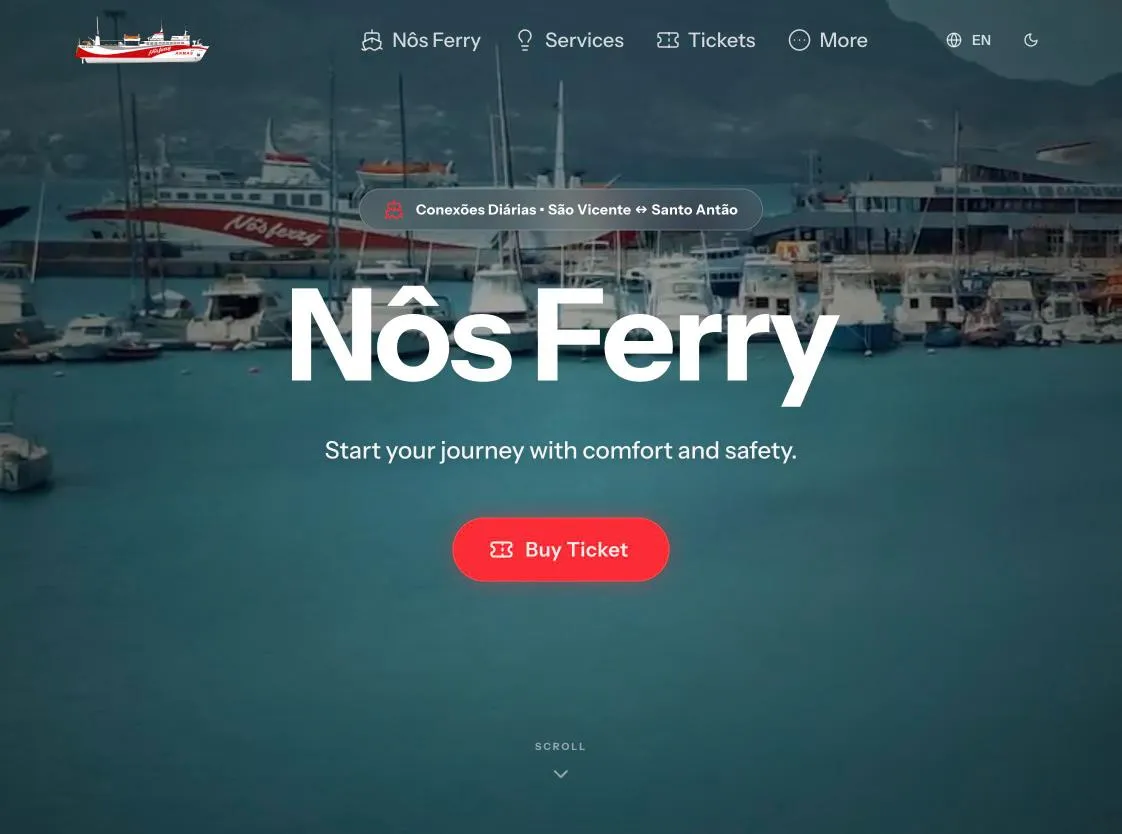
Getting in with a code from your email
The first screen asks for two things: the reference or invoice number, and the purchase email.
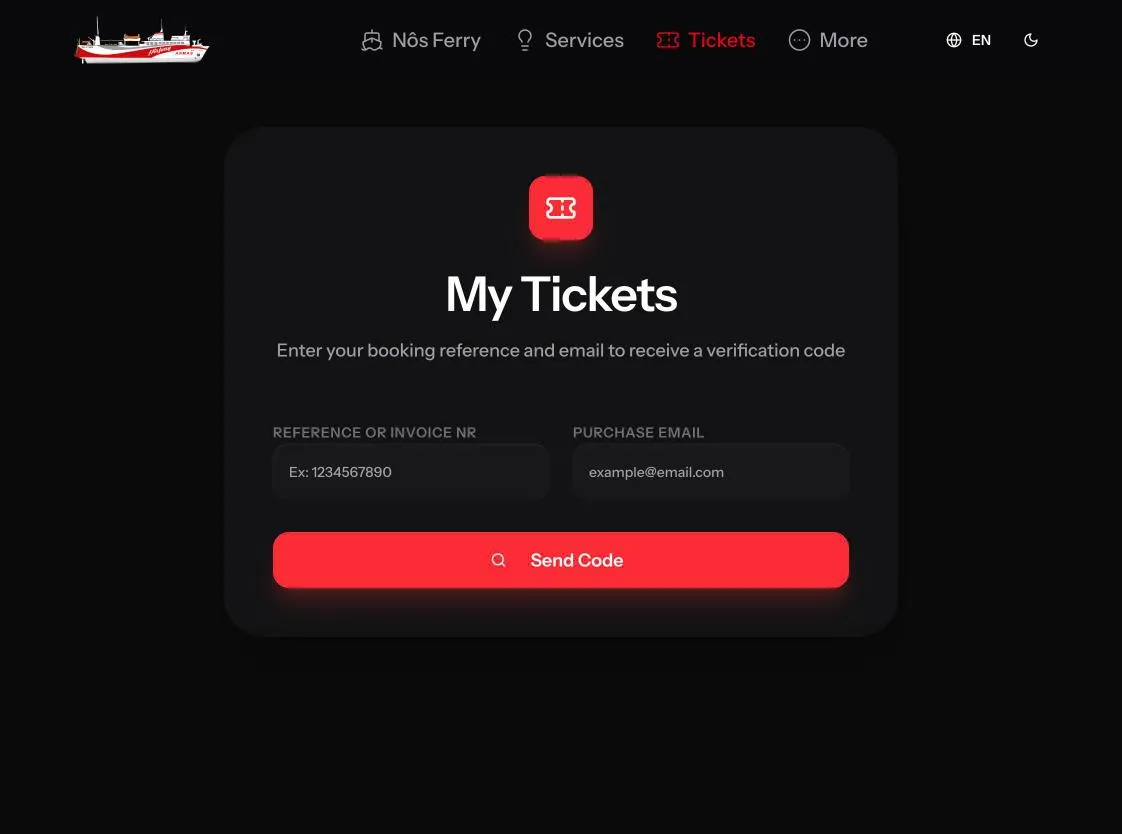
If they match a purchase, NosFerry sends an email with a six-digit code and a link that opens the tickets directly. You use whichever is handier. Both stop working after five minutes.
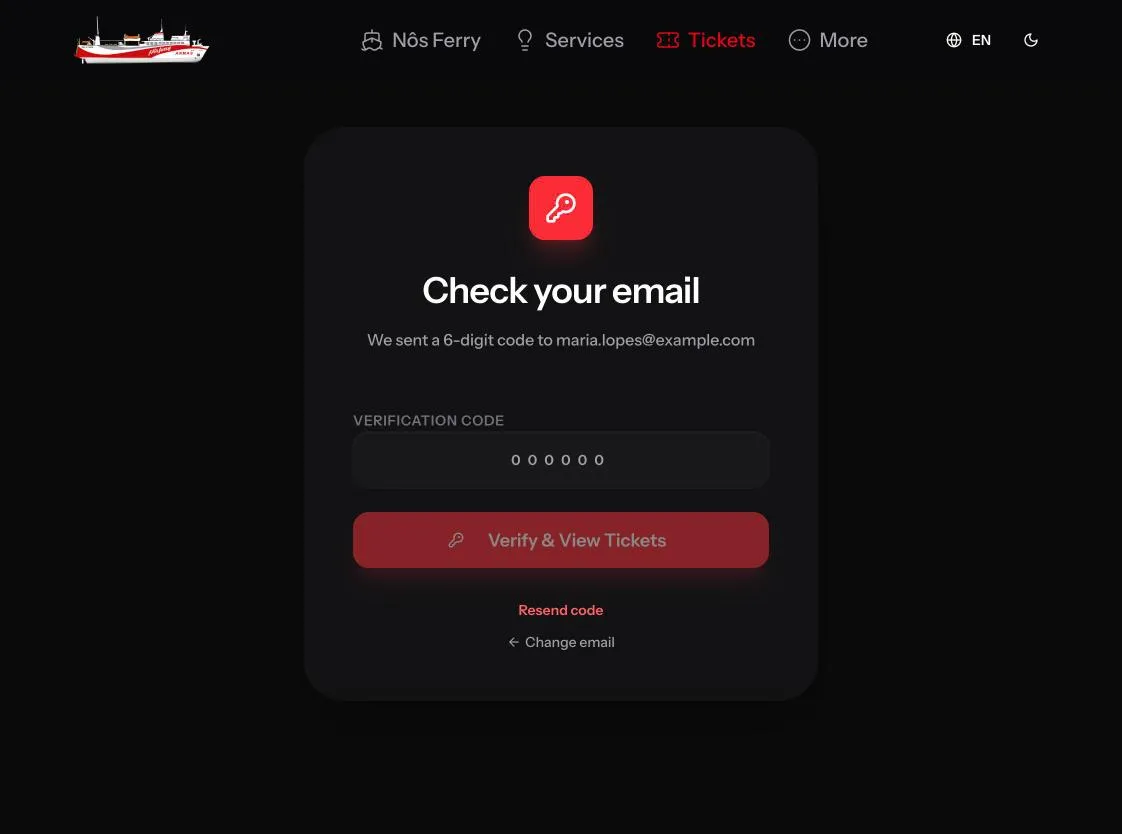
Without an account, access to the inbox is what proves the tickets are yours. Once you’re in, the session lasts ten minutes. That’s long enough to change a trip or print a ticket, and after that you ask for a new code.
Changing the route, date or time
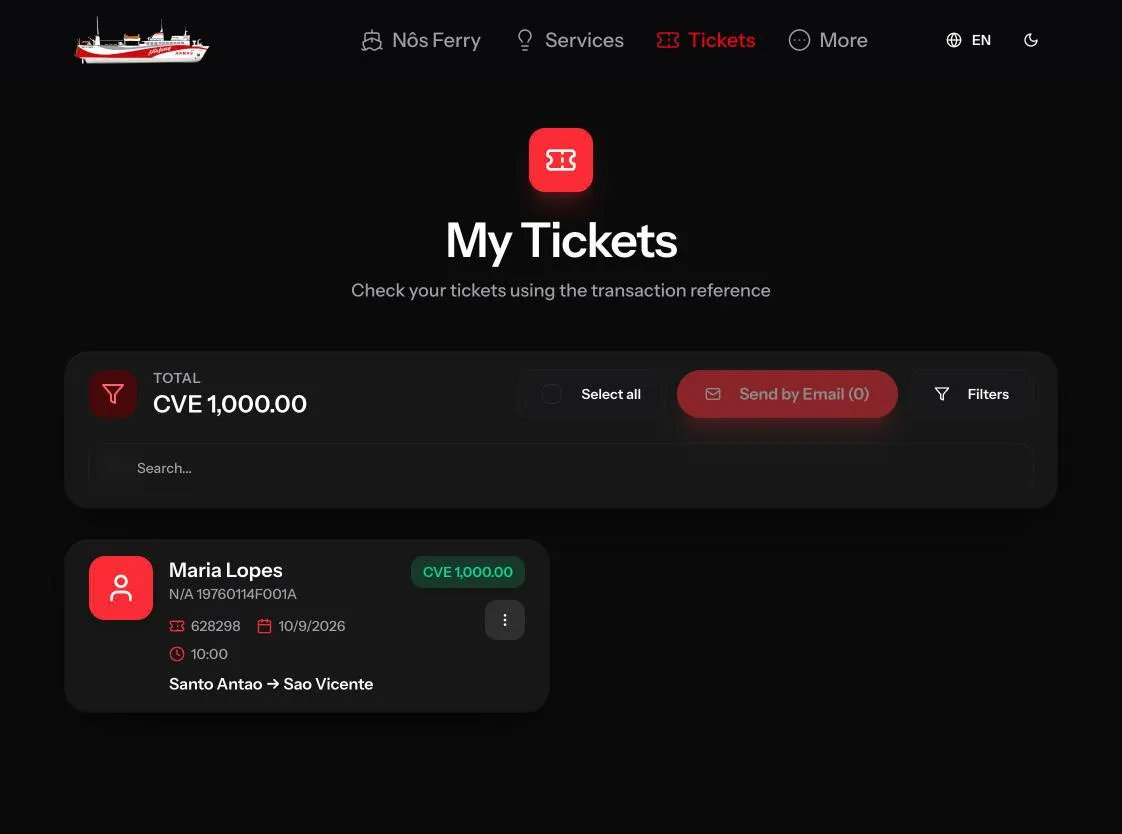
This is the part that used to need the counter. The tickets show up as cards with the passenger, the document, the date, the time and the route, and each card has a menu with Edit, Send by Email and Print.
Edit opens a side panel with three fields: route, departure date and schedule. The schedules on offer are the ones available for the chosen route and date.
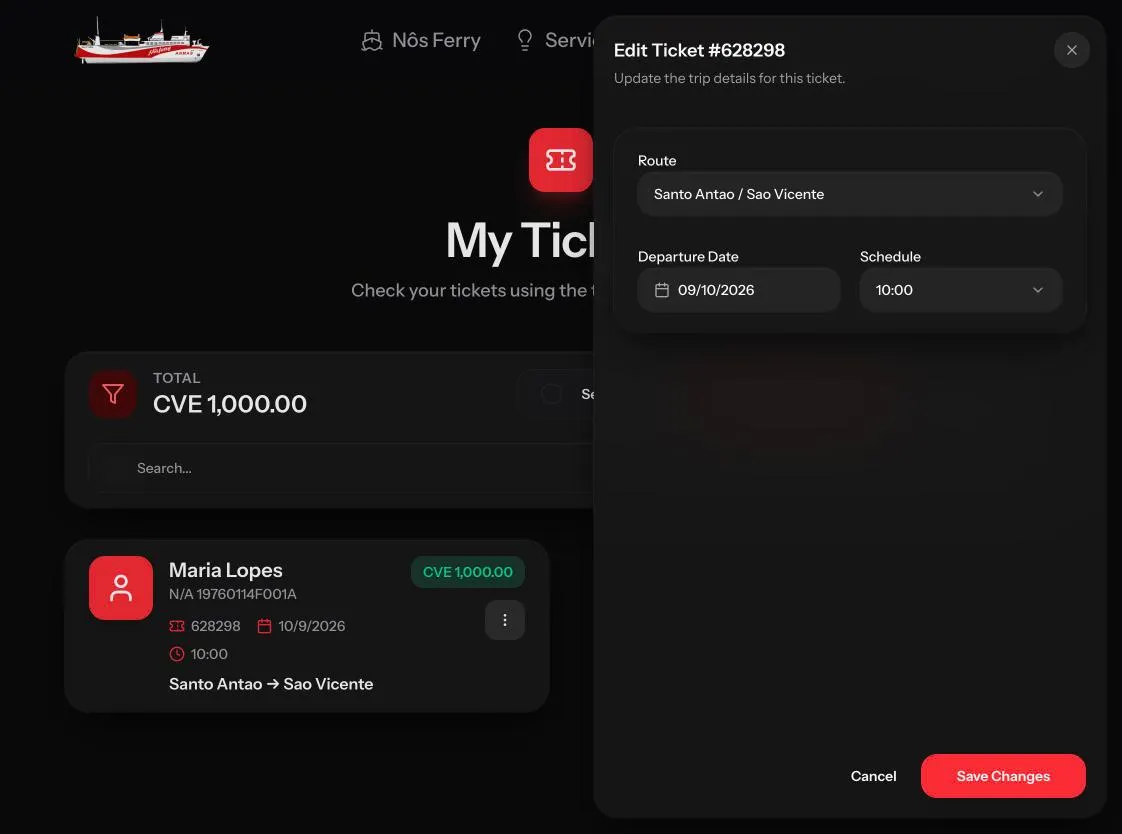
The passenger’s name and document aren’t on the panel, so they stay as they were on the ticket. Keeping the passenger and changing only the trip is what’s called a troca de bilhete in Portuguese, a ticket exchange.
After saving, the site asks what to do with the updated ticket: send it by email or print it. Either way, the passenger ends up with the updated ticket.
Printing, resending and finding the right ticket
Print opens the ticket through a signed link that expires after thirty minutes. After that, the link stops working.
Send by Email resends a single ticket. For a family or a group, Select all puts every ticket in one email.
When a booking has many tickets, Filters narrows the list by ticket type (passengers or vehicles), route, schedule and departure date, and there’s a search box for anything else.
A ticket that was cancelled still shows in the list, marked as cancelled, with the line “This ticket was cancelled and is no longer valid for travel.” The passenger can see it was cancelled without having to call and ask.
In closing
My Tickets turns the reference and the email from the purchase into a way to get back to your tickets later, without an account. The trip changes, printing and resending that used to happen at the counter now happen on that page.
The online purchase itself is covered in selling NosFerry tickets online. You can try it all at nosferry.com.